How do I turn off Notes?
To toggle all notes on and off, open the Notes Management window and use the eye icon (1) to remove notes from your list. If you just want to disable a category of notes, uncheck the corresponding checkbox (2). To turn off a single note, click “View all” from the Notes management window and scroll through the list of notes (3).
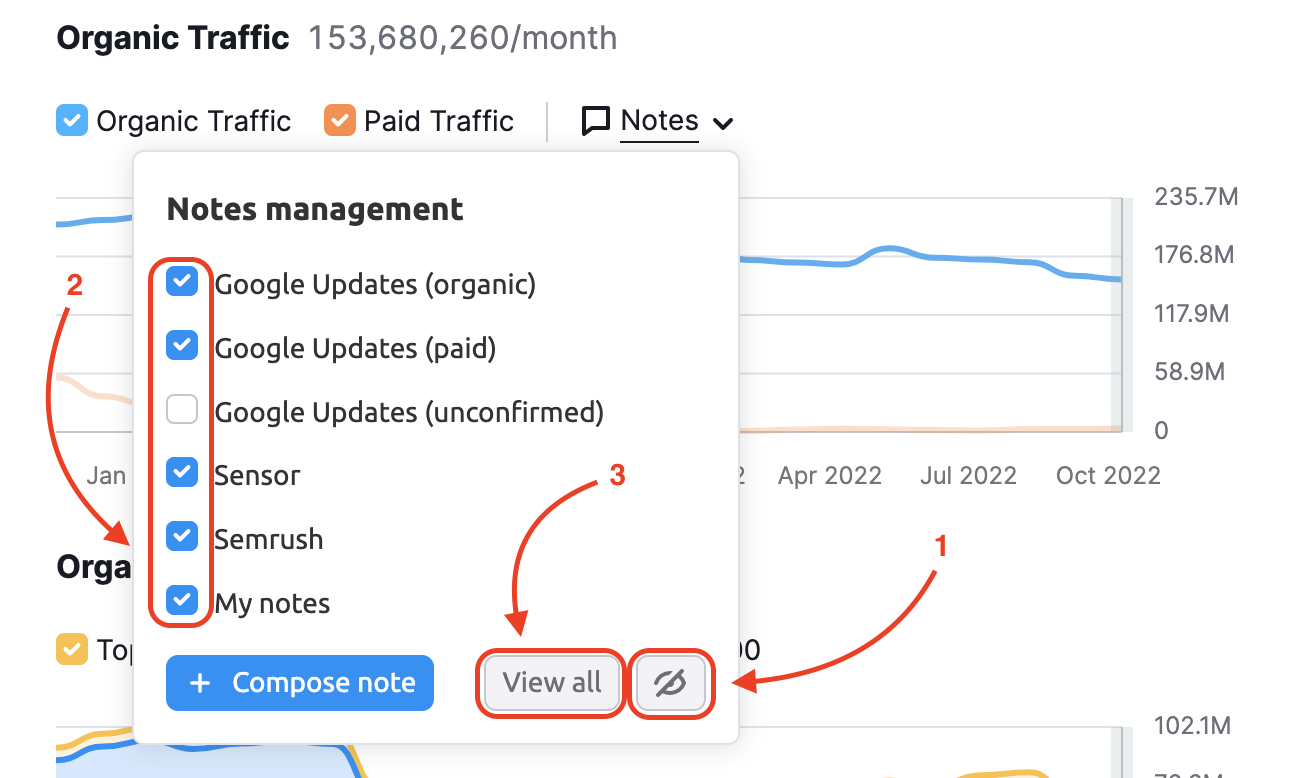
Each note has an eye icon to the right to turn its visibility on or off.

 Back to Semrush Toolkits category